Your site, on its own layout
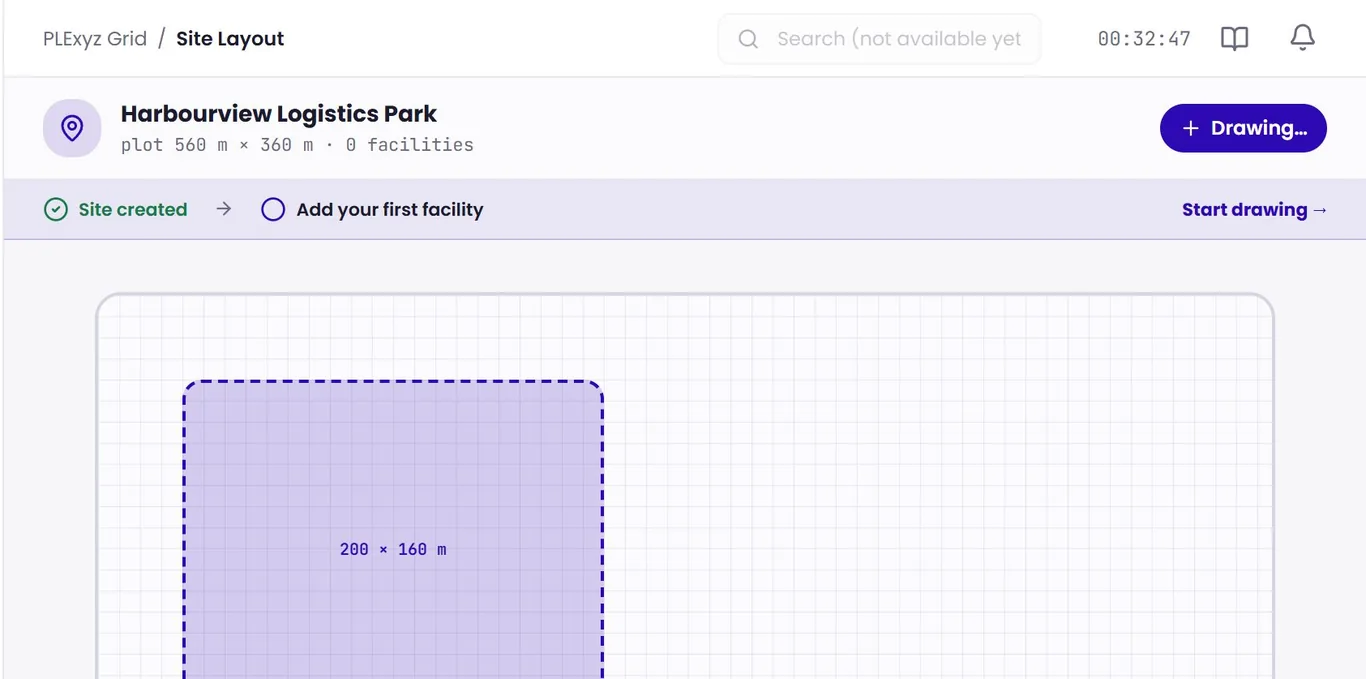
Add your facility and draw it as it really is: zones down to buildings, sections and spaces, with map, table and elevation views. Most rollouts start with one zone, and no new sensors are needed to begin.
PLExyz Grid draws a facility as it really is, from zones down to buildings, sections and spaces, with live occupancy. It tracks cargo, bookings and movements, and ranks where the next load should go. It is the mapping side of PLExyz’s spatial technology, from AntaraX, and free for one facility.
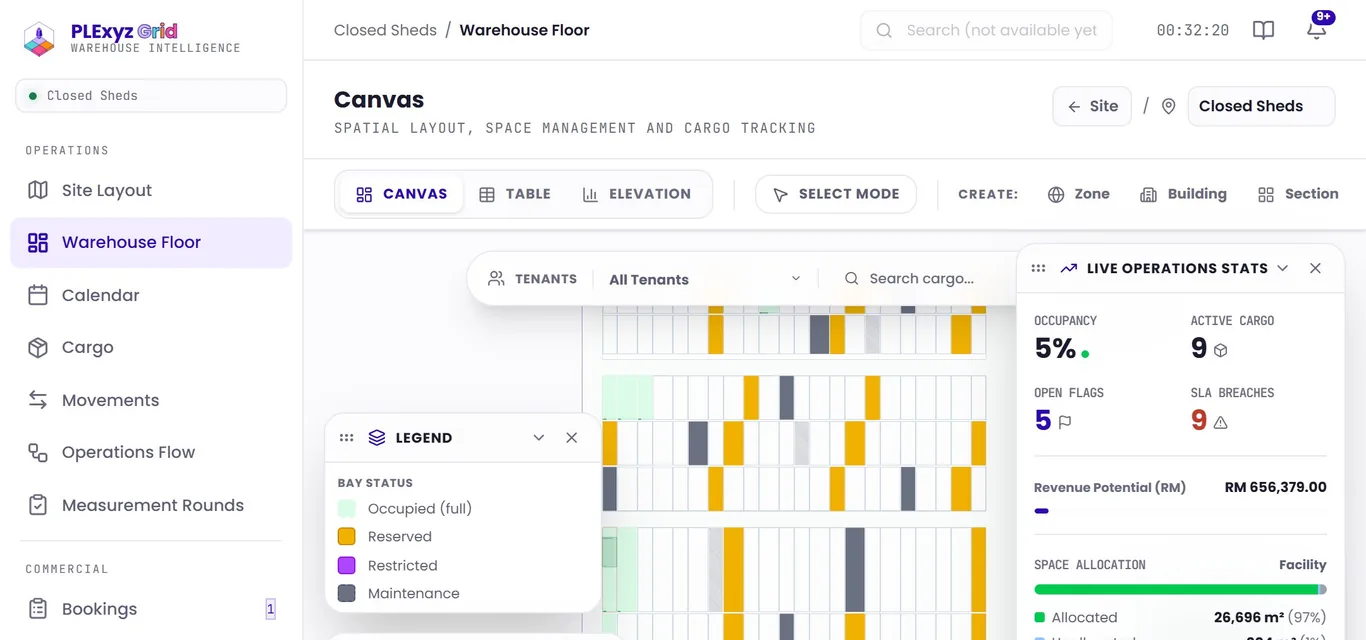
Facility, zones, spaces, then the next load.
Add your facility and draw it as it really is: zones down to buildings, sections and spaces, with map, table and elevation views. Most rollouts start with one zone, and no new sensors are needed to begin.
Cargo records with hazardous-goods classes, bookings, movement plans, a calendar and measurement rounds on the floor. When a booking comes in, PLExyz Grid ranks the free spaces by fit and retrieval distance; you see the top three and why, then a person approves.
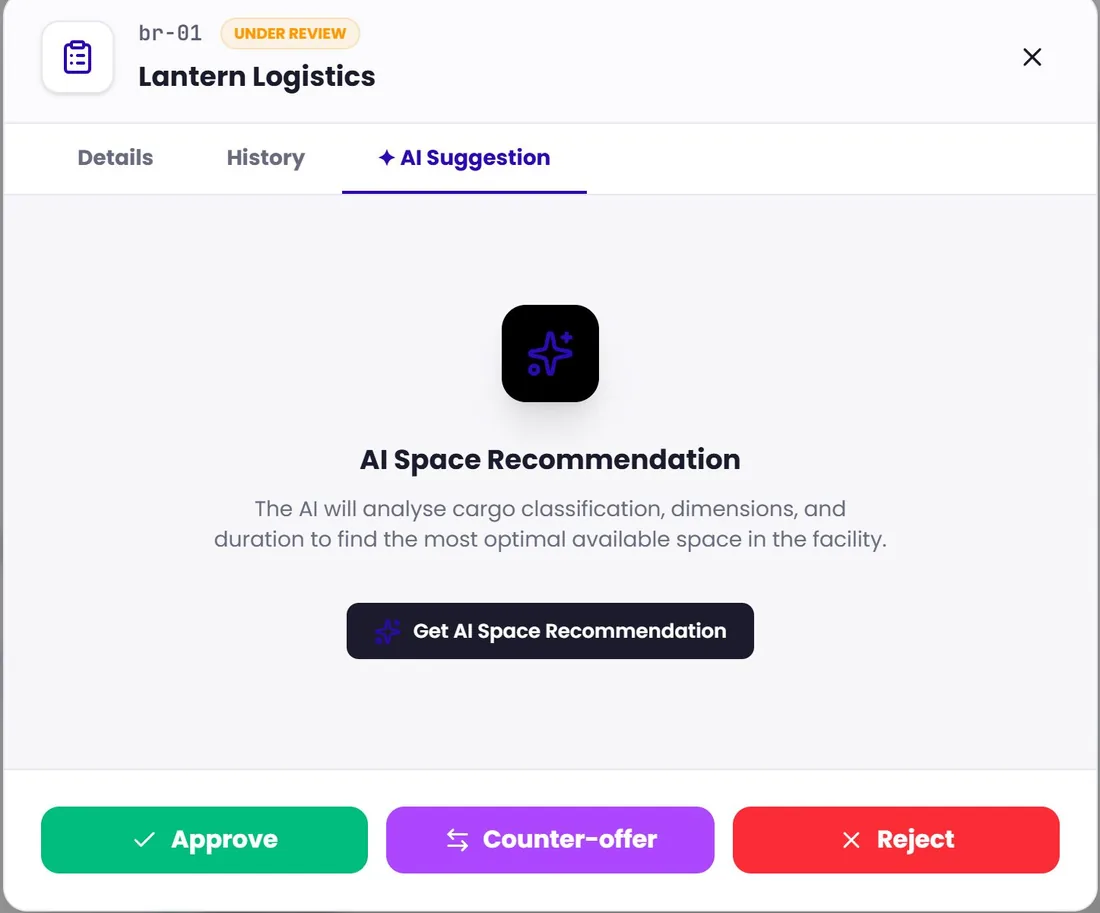
ReadoutHover or tap a part to read what it does.
Free covers one facility, the warehouse floor and manual tracking, and stays free. Standard, Advanced and Intelligent add bookings, tenants, movements, analytics and more. Trial unlocks everything for a limited time, then goes back to Free.
Anyone who runs a warehouse or a yard.

One simple core for any warehouse: the floor, cargo, bookings and tenants, with no port jargon in the way.
The same core, with port add-ons for customs roles, vessel operations, cargo types and compliance. Switch on only what you need.
Cargo, movements and compliance in one live layout, with weighbridge, IoT or ERP integrations when you are ready. Tenants get a directory and a self-service portal.

PLExyz Grid is part of PLExyz, an AntaraX sub-brand that grew from proven REKA research.
REKA explores, researches and engineers; AntaraX productises, deploys and scales what proves repeatable. Start free, or book a demo, at antarax.ai.